Website redesign: when is it worth it?
- Written by
- Victor Frangov
- Published
- Reading time
- 8 min read
Your site is a few years old. It loads slowly on phones, and changing your opening hours means emailing the freelancer who built it, if they still answer. Wanting to start over is normal. Sometimes that's the right call; other times a few targeted fixes solve most of the problem for much less, without putting your search rankings at risk.
We wrote this guide for small business owners in Quebec who are on the fence. It covers the signs that justify a redesign, the cases where it isn't worth it, what the work involves and how to keep your Google rankings, based on Google Search Central's documentation. There's a checklist at the end.
What are the signs it's time to redesign your website?
One sign on its own doesn't always justify a redesign. When several pile up, fixing each problem separately often ends up costing more than starting again on a clean base.
- The site is slow on phones. Google recommends that the largest visible element of the page appear within the first 2.5 seconds of loading (LCP) and that the page respond to a click or tap in under 200 milliseconds (INP). PageSpeed Insights measures both for your own site.
- It doesn't show up in Google for your main services, and its structure won't let you add a page per service without moving everything around.
- Every change goes through someone else: updating a price takes days, or nobody remembers how to log in.
- The look no longer matches the business: a new logo, services added or dropped, photos of a team that has changed.
- The French or English version is incomplete. Some pages exist in one language only, the translation comes from an automatic plugin, or both languages share the same URL.
- The site collects information (forms, analytics, ad pixels) without a privacy policy or cookie consent, and the platform makes those hard to add.
- The platform is no longer maintained: an abandoned theme, plugins that can't be updated, a host that can't keep up.
When are small fixes enough?
If the content is still accurate and visitors find what they came for, a full redesign puts your Google rankings at risk for a modest gain. Many problems can be solved without touching the site's structure:
- Speed: compress images, remove plugins you don't need or switch hosts. Google has a guide for changing hosting without changing your page URLs.
- Dated content: rewrite the home page and service pages, replace the photos.
- Compliance: add a privacy policy, a cookie consent tool and the pages that are missing in French.
- Requests that don't come in: make the phone number tappable on mobile, shorten the form, add a page for each service.
How do you decide between fixing and redesigning?
List everything that bothers you about the current site, then ask, for each item, whether it can be fixed on the existing platform. If the answer is yes for nearly everything, start with the fixes. If the platform blocks a good part of the list, or every fix breaks something else, a redesign becomes the reasonable choice.
Compliance belongs in that calculation. According to the OQLF, consumers have the right to access a complete French version of a business's website; an English version can exist as long as the French is at least equivalent. According to Quebec's Commission d'accès à l'information (CAI), a business that collects personal information through technological means must publish a privacy policy on its website in clear and simple terms, and features that can identify, locate or profile a person must be turned off by default.
Those obligations can often be met on the existing site. A redesign makes sense when the platform can't handle them cleanly, for example a site built in one language with an automatic translation plugin, or a site builder that won't let you block ad cookies until visitors consent. In that case, plan a separate URL for each language (such as /fr and /en): Google recommends using different URLs for each language version rather than cookies or browser settings.
What does a website redesign involve?
A well-run redesign starts with an inventory of what already exists. Design comes later. Here are the steps, in order:
- List every current page and find the ones that bring in visits and requests. Search Console and your analytics tool will show you.
- Decide, page by page, what to keep, rewrite or remove, in French and in English.
- Map out the new site's structure, with a table that pairs each old URL with its new URL.
- Design and build the site, then test it on phones.
- Launch with the redirects, the new sitemap and a check in Search Console.
- Watch indexing and errors over the following weeks.
Does redesigning a site always mean adding to it?
No, and two of our projects show it. For St-Hubert Machine Shop in Saint-Hubert, we migrated and redesigned the whole site: all 35 pages were rebuilt, with English under /en and French under /fr, and every page has a matching page in the other language.
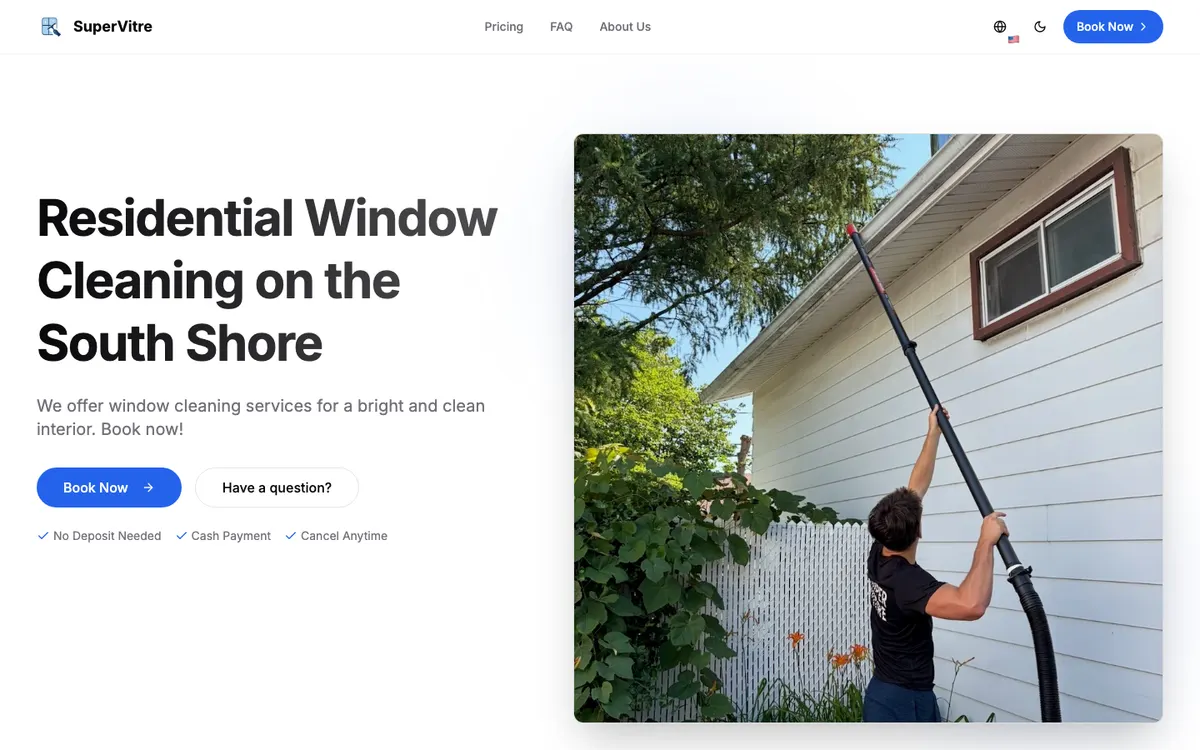
For SuperVitre on the Rive-Sud, we went the other way. The first version had online booking and a dashboard to manage appointments. In October 2025 we simplified it into a static site: no database, no accounts, no customer data stored on the site, and booking by phone. A redesign can also take features away, which leaves less to maintain and less personal information to protect.
How do you keep your Google rankings during a redesign?
Keep the same page URLs wherever you can. As soon as URLs change, whether it's the domain name or only the page paths, Google treats it as a site move with URL changes, and its documentation warns that rankings can fluctuate temporarily during the move. Search Console Help adds that if you combine a move with a redesign of the site's content and URL structure, you will probably see some traffic loss while Google reassesses the individual pages.
If some URLs have to change, here's what to plan for:
- Redirect each old URL to the new page that matches it best, instead of sending everything to the home page.
- Use permanent server-side redirects (301 or 308). According to Google, 301 and other permanent redirects don't cause a loss in PageRank.
- Update internal links, canonical tags and hreflang tags so they point to the new URLs.
- Submit a sitemap with the new URLs in Search Console, which helps Google discover them.
- Remove any temporary block (robots.txt rule or noindex tag) used during development, as Google's guide on changing hosting reminds you.
- Use Search Console's Change of Address tool only if you're changing your domain or subdomain. To move pages within the same site, Google says to add the redirects and update your sitemap.
- Keep the redirects for as long as possible: at least one year according to Google's site move guide, and at least 180 days according to the Change of Address tool help page, longer if the old URLs still get traffic from Google Search.
- Change one thing at a time when you can. Google advises planning changes one after the other rather than all at once.
How much does a redesign cost, and how long should you plan for?
A redesign is priced on the same factors as a new site: the number of pages, the copywriting, two languages and the features. On top of that comes the work specific to a redesign, meaning the page inventory, the redirect table and the follow-up after launch. At Kollowo, a website costs $1,000 to $2,000 CAD: a basic site sits at the lower end, a more developed one (more pages, bilingual, extra features) at the higher end. The details are on our pricing page.
As for timing, we don't give a general figure, because the schedule moves at the pace of the copy, the photos and the approvals. On Google's side, its documentation says a medium-sized website can take a few weeks for most of its pages to move in the index. So avoid launching the new site right before your busiest season.
We're not the right fit for every project. An online store with several hundred products, a customer portal or an integration with your management software needs a bigger team and budget. In that case, shop around among agencies that do that kind of work.
Website redesign checklist
Before you sign, and again before launch, go through these points:
- Test the current site on mobile with PageSpeed Insights and note the results.
- Export from Search Console the list of pages that get clicks.
- For each problem, decide whether it can be fixed on the current site or needs a redesign.
- Keep the same URLs wherever possible.
- Prepare the table of old and new URLs, page by page.
- Check that the domain name and hosting accounts are in your name.
- Plan every page in French, with a separate URL for each language.
- Publish an up-to-date privacy policy and block profiling cookies until visitors consent.
- Test the 301 redirects before and after launch.
- Submit the new sitemap and watch Search Console over the following weeks.
- Leave the redirects in place for at least a year.
Frequently asked questions
Will a website redesign hurt my Google rankings? Not necessarily. Keeping the same page URLs is the simplest way to limit the risk. If URLs change, Google warns that rankings can fluctuate temporarily; page-by-page 301 redirects, an updated sitemap and monitoring in Search Console help Google pass signals to the new pages.
Should I keep the same URLs when I redesign my site? Yes, whenever you can. According to Search Console Help, combining a move with a redesign of the site's content and URL structure will probably cause some traffic loss while Google reassesses the pages. If a URL has to change, 301 redirect it to the equivalent page.
How long should I keep 301 redirects after a redesign? As long as possible. Google's site move guide recommends generally at least one year. The Change of Address tool help page says at least 180 days, and longer if the old URLs still get traffic from Google Search.
Do I need Search Console's Change of Address tool? Only if you're moving to a new domain or subdomain. For a redesign on the same domain, even with new page URLs, Google says to add redirects and update your sitemap.
Do I need a redesign to comply with Law 25 and Bill 96? Not always. A privacy policy, a cookie consent tool and complete French pages can often be added to the existing site. A redesign helps when the platform can't handle them cleanly.
Sources
- Google Search Central – Site moves with URL changes
- Search Console Help – Change of Address tool
- Google Search Central – Redirects and Google Search
- Google Search Central – Changing your hosting
- Google Search Central – Understanding Core Web Vitals and Google search results
- Google Search Central – Managing multi-regional and multilingual sites
- OQLF – Language of commerce and business: your rights (in French)
- CAI – Main changes introduced by Law 25 (in French)